

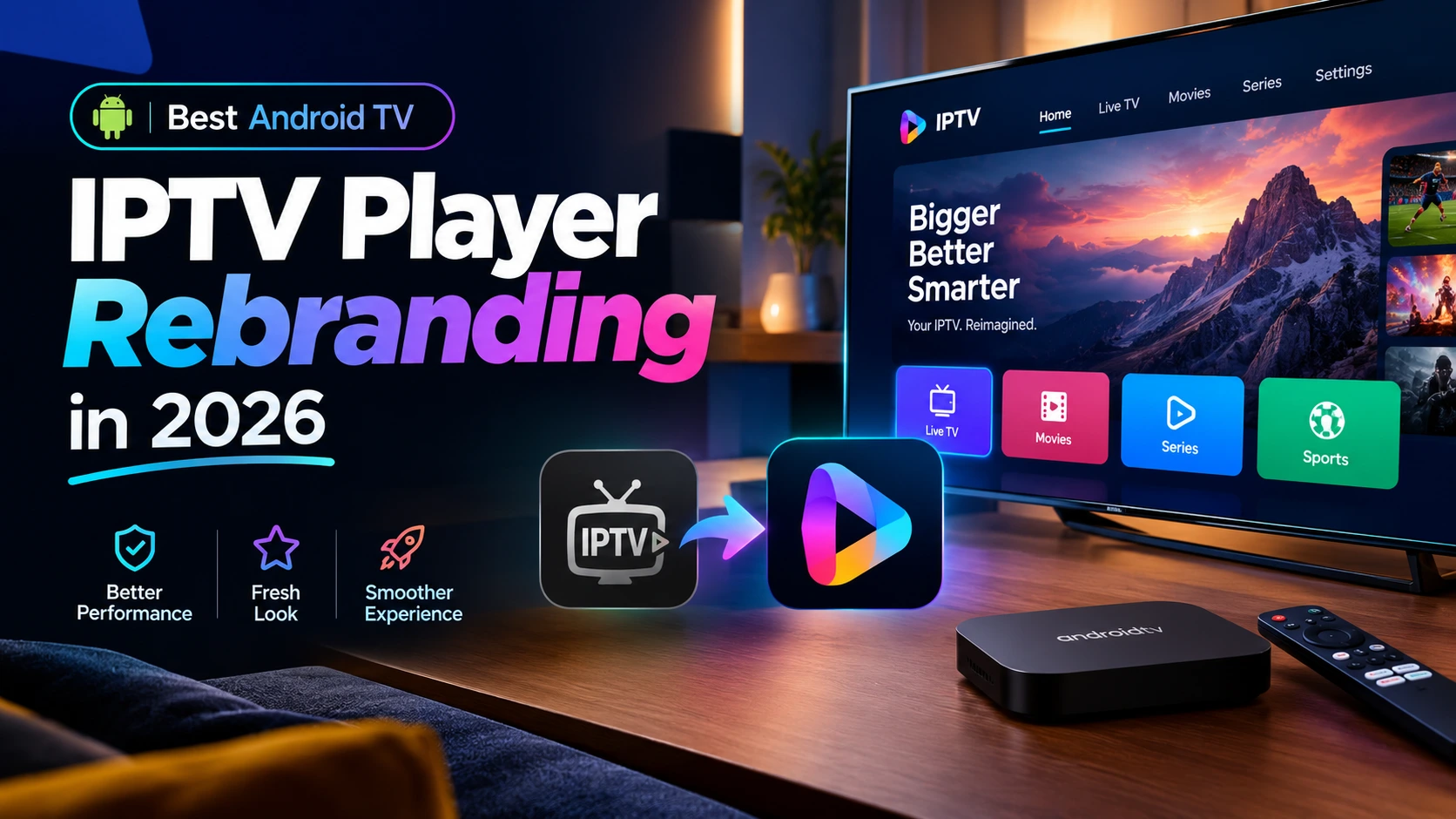
The best Android TV IPTV player rebranding choice in 2026 is the app that fits your customers’ devices, works comfortably with a remote, and supports the branding changes you actually need. A familiar app name helps, but reliable navigation and a clear customer journey matter more than a long feature list.
For IPTV resellers, rebranding means customizing player software with your business name, logo, and colors. IPTVAPPREBRAND-BLT (BLT) customizes player apps only. It does not supply channels, streams, subscriptions, or content.
What makes an Android TV IPTV player the best choice?
A strong rebranding candidate combines TV-friendly usability with a customization scope you can verify before ordering. Start with the devices your customers use, then assess the player—not the other way around.
Android TV customers usually navigate from a sofa using directional buttons. Interfaces designed primarily for touchscreens can become frustrating when users cannot easily reach a login field, identify a selected button, or return to the previous screen.
Prioritize these essentials:
- Clear focus highlighting for remote navigation.
- Readable labels, menus, and login instructions at TV viewing distance.
- Predictable behavior for directional, select, and back buttons.
- Compatibility with your required, authorized service login method.
- Branding that remains legible across light and dark backgrounds.
- A defined process for installation, updates, and troubleshooting.
Treat each item as a test requirement rather than assuming every build includes it.
Which IPTV player families should resellers compare?
Smarters, IBO, and XCIPTV are useful names to include in an initial rebranding discussion. TiviMate may also appear on your shortlist, but a player’s popularity does not establish that it is available or authorized for third-party rebranding.
Availability, customization permissions, and features depend on the exact software version and licensing arrangements. Ask BLT which options are currently supported and what can legitimately be changed.
- Smarters: Consider whether a familiar login and browsing flow suits your audience. Confirm the precise TV build and editable branding elements.
- IBO: Review the activation or setup experience of the specific variant offered. Make sure customer instructions match that version.
- XCIPTV: Assess the layout, remote navigation, and available configuration options against your support needs.
- TiviMate: Verify licensing and rebranding availability before planning a branded product around it. Do not assume an established retail player can be repackaged.
The practical winner is the supported, appropriately licensed option that passes your device tests and meets your branding brief.
Which branding changes matter most on a television?
Your app name, icon, logo, launch screen, and interface colors are the most useful starting points. These elements help customers recognize your business without requiring a complete interface redesign.
TV branding needs restraint. A detailed logo that looks good on a website may become unreadable in a launcher tile. Strong colors can also make selected buttons difficult to distinguish if contrast is poor.
Prepare a focused asset package:
- Your final app name with exact spelling.
- A high-resolution logo, preferably with a transparent background.
- Brand color codes and a simple contrast preference.
- Any required support text or contact details.
- Examples showing your preferred style, without copying another brand.
Ask which screens and assets are editable. Deep layout changes, additional settings, and custom functions should be discussed separately from basic visual rebranding.
How should you test a branded Android TV build?
Test the exact build on representative customer hardware before a wider rollout. A successful installation alone does not demonstrate a good television experience.
Use an authorized test account or other permitted test media where needed. Keep player behavior separate from service-side issues: a branded interface cannot fix unavailable streams or an incorrect account configuration.
- Install and launch the app on your target Android TV devices.
- Complete login using only the remote control.
- Check logo placement, text size, and selected-button visibility.
- Navigate relevant menus and return from playback to browsing.
- Restart the device and check the app’s expected startup behavior.
- Confirm installation and update instructions are understandable.
If you also serve Fire TV customers, test that platform separately. Do not assume one Android-based build behaves identically across every device.
What should you send BLT on WhatsApp?
Send a concise requirements brief through WhatsApp so BLT can confirm the available player options and customization scope. Include your target devices, preferred player family, brand assets, and required login workflow.
Before placing the order, ask what the deliverable includes, which changes are supported, how revisions are handled, and what installation or update guidance is available. Request current pricing and timing directly rather than relying on generic online estimates.
The best choice for your reseller brand
Choose Android TV IPTV player rebranding in 2026 by verified fit, not by a universal ranking. Remote-friendly navigation, clear branding, appropriate licensing, and realistic testing make a stronger foundation than feature claims alone.
Contact IPTVAPPREBRAND-BLT on WhatsApp to discuss your player customization requirements. BLT handles branded player software; channels, streams, and content are not included.