

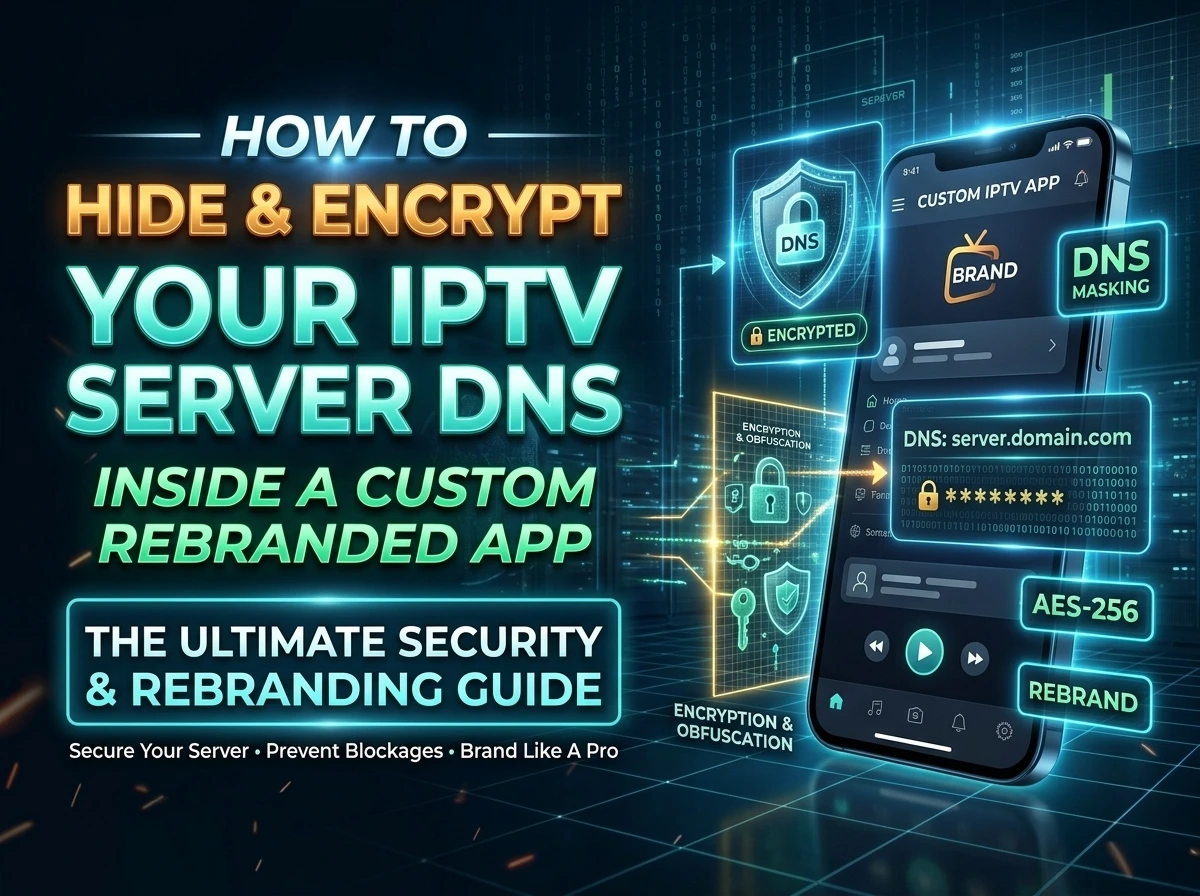
Can You Hide Your IPTV Server DNS in a Rebranded App?
You can hide your IPTV server address from normal login screens and reduce casual discovery, but you cannot make an endpoint completely invisible inside an app that connects to it. The practical approach combines a simplified login interface, HTTPS, careful configuration storage, and server-side access controls.
For IPTV resellers, this can create a cleaner customer experience while reducing accidental exposure of infrastructure details. It is not a substitute for securing your service or managing access to content you are authorized to distribute.
Understand What You Are Actually Protecting
In reseller discussions, “server DNS” usually means a portal URL or hostname, such as `https://portal.example.com`. Technically, DNS is the system that translates hostnames into network addresses. Hiding a portal URL and encrypting DNS queries are different tasks.
A useful security plan separates three layers:
- Interface visibility: Whether customers can see or edit the server address in the player.
- Configuration protection: How the app stores or retrieves endpoint details and credentials.
- Network protection: How connections, authentication requests, and supported media traffic are encrypted.
Removing a server field addresses only the first layer. It does not automatically protect stored configuration or network traffic.
Hide the Address From Everyday App Screens
A custom player can potentially use a preconfigured endpoint so customers enter only their account credentials, rather than typing a full portal URL. Whether this is possible depends on the player, version, and customization access available.
When discussing a rebrand, ask whether the proposed build can:
- Remove the editable server address field from customer-facing login screens.
- Keep endpoint details out of ordinary settings and error messages.
- Avoid including URLs or credentials in screenshots, exports, or diagnostic logs.
- Support endpoint changes without requiring customers to reinstall the app.
Treat these as requirements to confirm, not standard features of every Smarters, IBO, XCIPTV, or TiviMate-based project. Branding options and technical modification rights vary between products.
Encrypt Connections With HTTPS
HTTPS protects supported traffic in transit using TLS. Your authentication and configuration endpoints should use valid certificates, and the app should verify them correctly. Never solve certificate errors by disabling certificate validation.
Protecting the login connection alone is insufficient if subsequent playlist requests or media URLs use unencrypted HTTP. Review the complete connection chain, including redirects and third-party endpoints under your control or responsibility.
HTTPS does not make the destination anonymous. Network observers can still see destination IP addresses, and hostnames may remain visible through DNS or connection metadata. Encrypted DNS can protect queries between a device and its resolver, but availability depends on the app and device environment; it does not conceal every destination signal.
Protect Configuration Without Relying on a Hidden Key
Encrypting a bundled configuration file can make casual inspection harder, but a decryption key packaged in the same app can often be recovered. Encoding a URL with Base64 is not encryption, and code obfuscation is only an additional obstacle.
Where the software architecture permits, consider stronger practices:
- Retrieve configuration from an authenticated HTTPS service.
- Use short-lived, narrowly scoped tokens rather than shared permanent secrets.
- Store sensitive local values using platform-supported secure storage where applicable.
- Exclude credentials and configuration responses from production logs.
- Authenticate configuration updates and restrict who can publish them.
Remote configuration still requires a discoverable initial endpoint. Its main benefits are controlled updates and reduced dependence on hardcoded server details—not perfect secrecy.
Enforce Protection on the Server
Server-side authorization matters more than hiding a URL. Assume that a technically capable user could eventually identify the endpoint through app analysis or observation of their own device.
Protect the service with individual accounts, token revocation, appropriate session limits, login rate limiting, and monitoring for suspicious access. Avoid embedding administrator credentials or a universal reseller secret in a distributed app.
A gateway or reverse proxy can separate a public app-facing hostname from backend infrastructure. However, origin protection requires appropriate firewall rules and access restrictions; adding a proxy alone does not secure an exposed backend. Plan capacity and compatibility before changing traffic routing.
Test the Exact Build Before Release
Validate the actual release build on the Android, Android TV, and Fire TV devices you support. A branded login screen is not proof that endpoint handling is secure.
Check visible settings, error messages, logs, certificate failures, logout behavior, and configuration updates. Confirm that expired or revoked credentials stop working. Use only devices, accounts, and infrastructure you own or are authorized to test.
Plan Your Rebrand With BLT
IPTVAPPREBRAND-BLT customizes IPTV player software with reseller branding, including logos, app names, and colors. BLT does not provide channels, streams, or content.
To discuss a project, contact BLT on WhatsApp with your preferred player, target devices, branding assets, and endpoint-handling requirements. Ask which protections are supported by the specific build before ordering. The right goal is reduced exposure and secure access—not a promise that a server address can never be discovered.