What is IPTV app development?
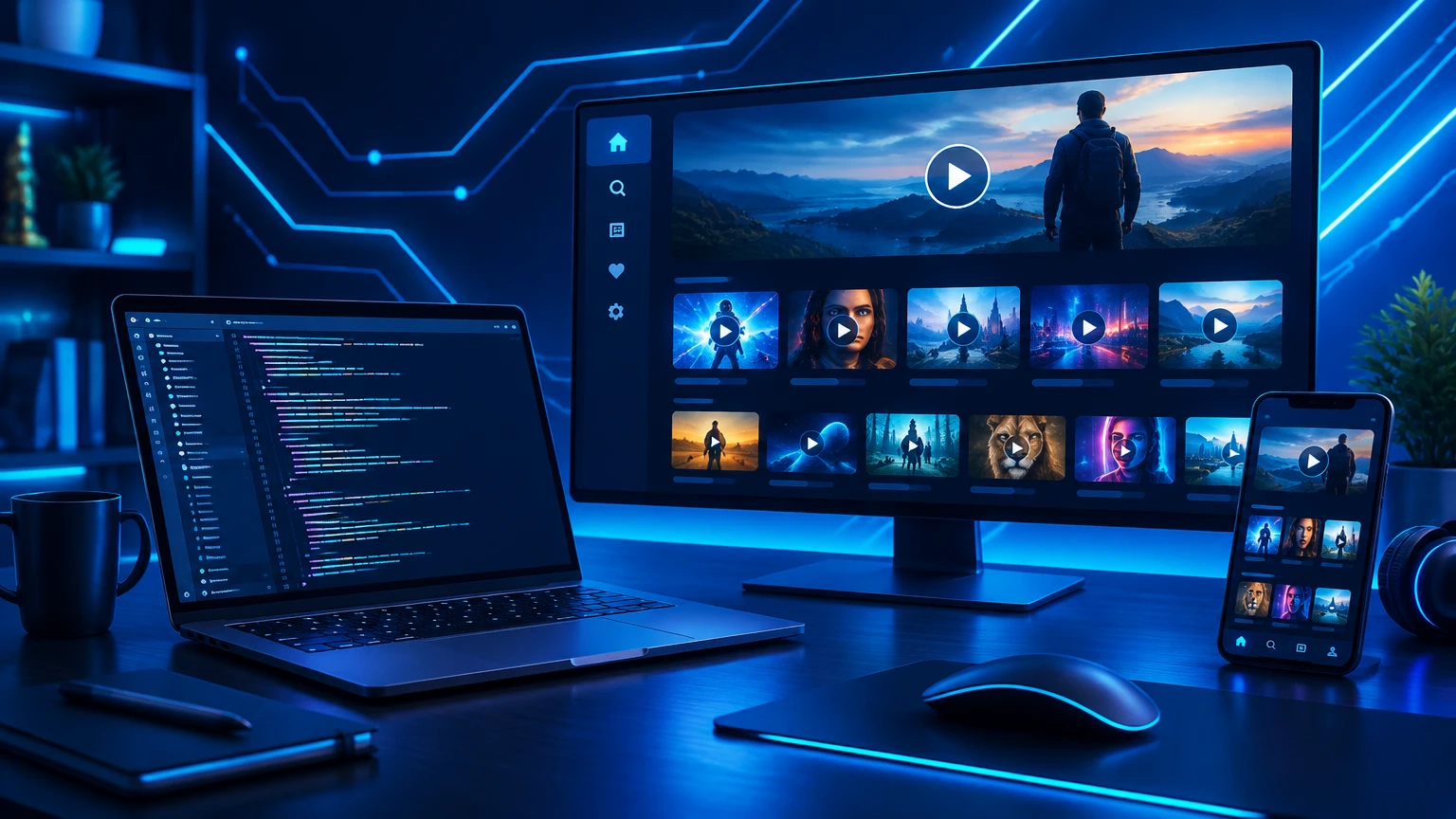
IPTV app development is the process of designing and engineering a video player application that connects to an internet-delivered TV service. Instead of customizing an existing player, you get your own product: your interface, your features and your roadmap.
At BLT we build software only — you connect your own licensed service and content.
Rebrand or custom build?
- Rebrand — the fastest route. A proven player receives your name, logo, colors and portal. Browse the rebrand catalog.
- Custom build — the right choice when you need unique features, a distinctive interface, new platforms such as Roku, or full product ownership. See custom IPTV & OTT development.
Must-have features for an IPTV app
- Flexible login — Xtream Codes, M3U playlists, activation codes and multi-DNS.
- Live TV with EPG — a fast program guide, favorites and channel search.
- Catch-up and timeshift — let viewers rewind or watch past programs where the service allows it.
- VOD and series — posters, descriptions and trailers, often enriched with TMDB metadata.
- Profiles and parental controls — PIN locks and per-user favorites.
- Adaptive playback — HLS and DASH with adaptive bitrate for unstable networks.
- Admin and reseller tools — remote messages, update prompts and activation management.
Which platforms should you target?
Start where your viewers already are:
- Android TV, Google TV and Fire TV — the most common big-screen targets for resellers.
- Samsung Tizen and LG webOS — built-in smart TV apps remove the need for a box. See Smart TV app development.
- Roku — strong in North America and built natively in BrightScript. See Roku app development.
- iOS, Android mobile and web — for viewing on the go.
A simple IPTV app architecture
- Client apps for each platform, sharing one design system.
- Playback layer handling streams, subtitles, audio tracks and DRM where required.
- Configuration backend for portals, branding, messages and app updates.
- Optional P2P delivery to reduce server load during peak hours.
- Analytics to understand usage and crashes.
The development process
- Discovery — goals, features, devices and timeline.
- Scope and quote — features and milestones agreed in writing.
- UI/UX design — wireframes and TV-friendly interfaces. See UI/UX design.
- Development — iterative builds with preview versions.
- Testing — real-device playback, remote navigation and stability.
- Launch and support — delivery, store guidance and updates.
Common mistakes to avoid
- Designing a TV app like a phone app — big screens need focus-driven navigation.
- Ignoring low-memory devices such as older TV sticks.
- Skipping a proper testing phase on each target device.
- Forgetting store policies before submitting to Google Play, Amazon, Samsung, LG or Roku.
Ready to start?
Tell us your idea on WhatsApp and a developer will reply with a private quote. Explore all custom development services.