Why build for the TV?
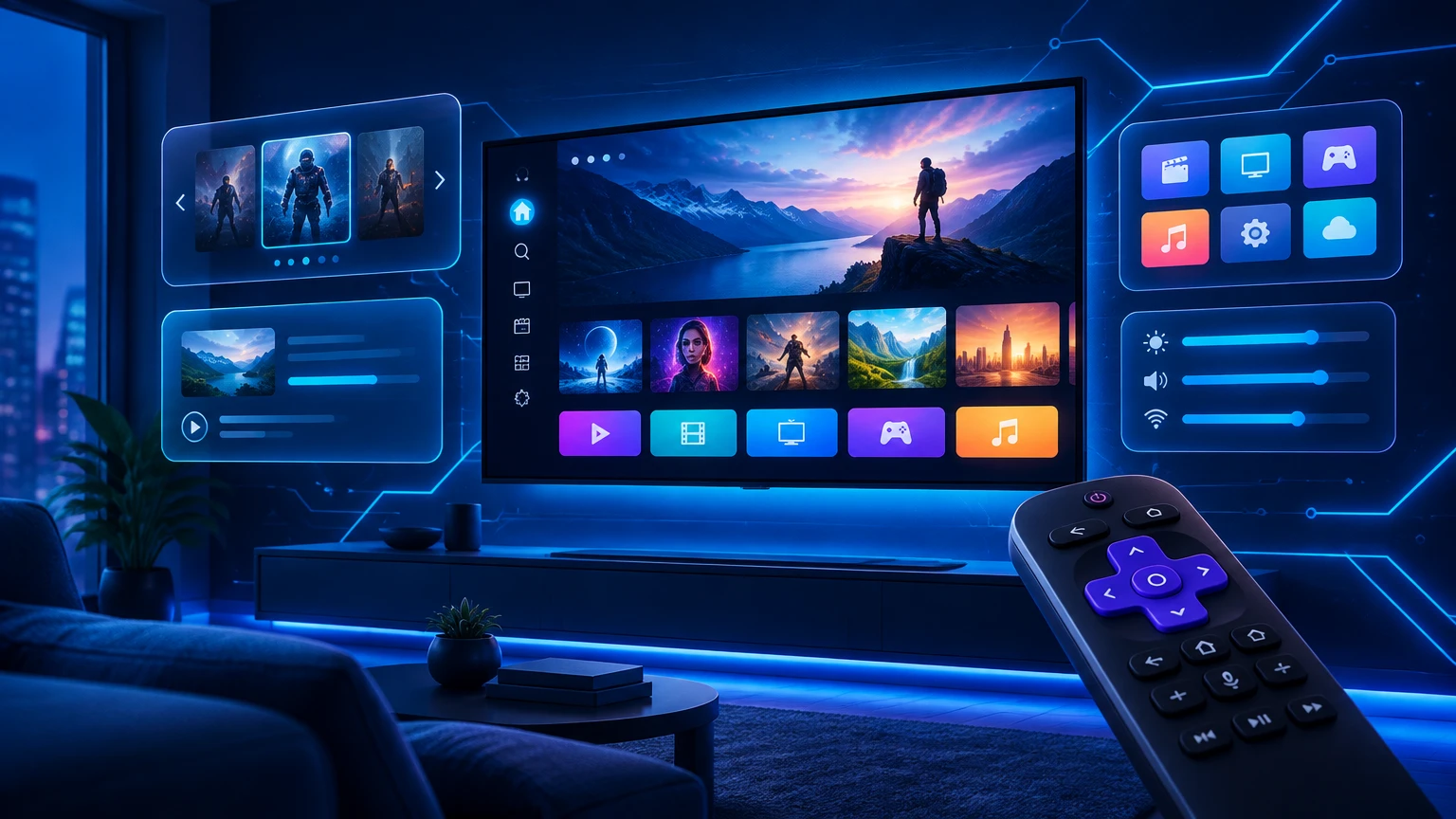
Most long-form viewing happens on the biggest screen in the home. A native TV app removes the need for an extra box and makes your brand a tap away from the remote.
How the main TV platforms differ
| Platform | Technology | Notes |
|---|---|---|
| Samsung Tizen | Web (HTML5/JS) | Large installed base worldwide |
| LG webOS | Web (HTML5/JS) | Magic Remote pointer plus D-pad |
| Android TV / Google TV | Kotlin / Java | Also covers many TV boxes |
| Amazon Fire TV | Android-based | Popular with Fire Stick users |
| Roku | BrightScript + SceneGraph | Strong in North America |
Samsung and LG share web technologies, so much of the code can be reused. Roku needs a dedicated native build.
What makes a great 10-foot experience
- Focus-first navigation — every element must be reachable with arrow keys and clearly highlighted.
- Readable type — larger fonts and generous spacing for sofa distance.
- Fast start-up — viewers expect the guide in seconds.
- Lightweight playback — TV hardware often has limited memory.
- Simple sign-in — activation codes or QR sign-in instead of long typing.
Our UI/UX design service focuses on these patterns.
Publishing to TV stores
Each store — Samsung, LG, Google Play, Amazon and Roku — has its own review rules. Prepare clear descriptions, screenshots, a privacy policy and proof that you hold the rights to any content you show. Approval is always the store's decision.
Where to start
- Most resellers start with Android TV and Fire TV, then add Samsung and LG.
- Add Roku if many of your viewers are in the USA or Canada.
Explore Smart TV app development and Roku app development, or browse ready-to-brand players in the app catalog.